Jiffy Desktop (Gen II)
Project Gallery


.jpg)
.png)
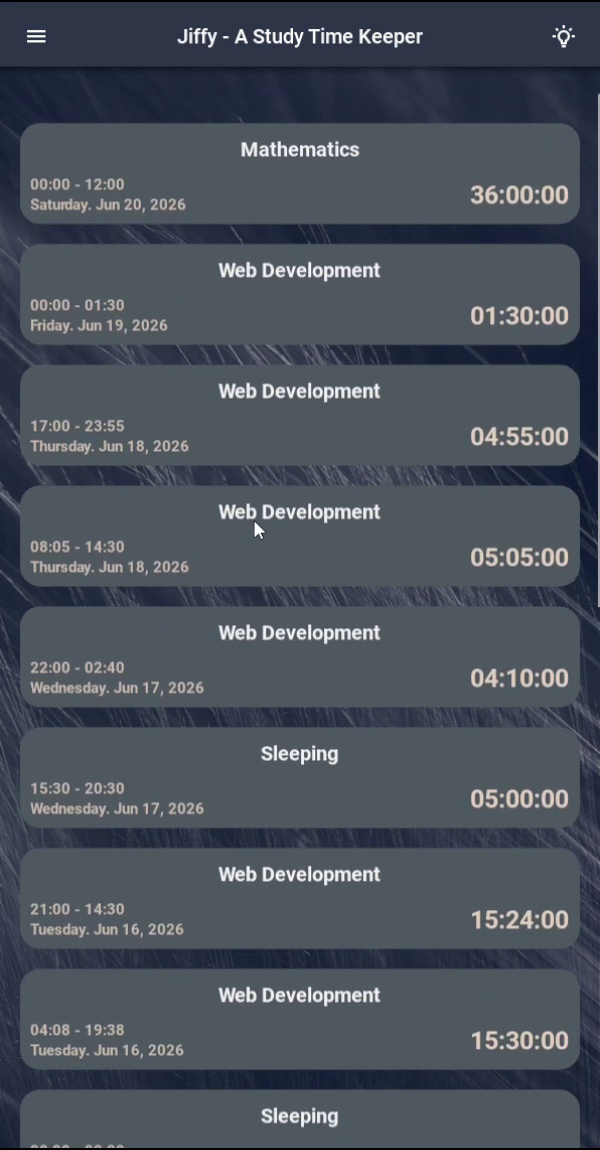
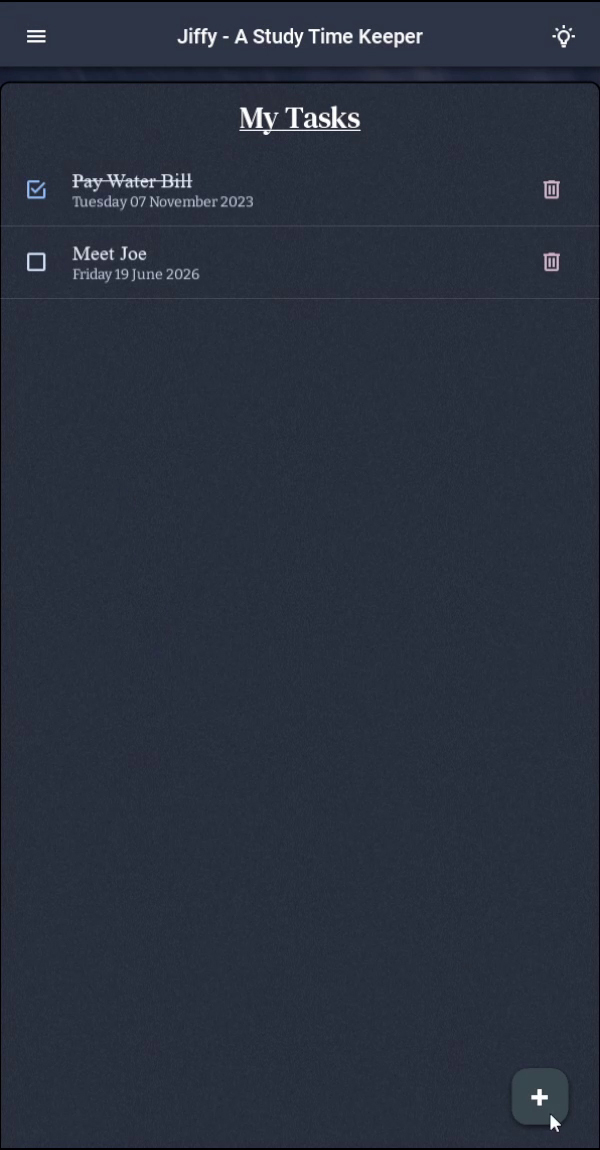
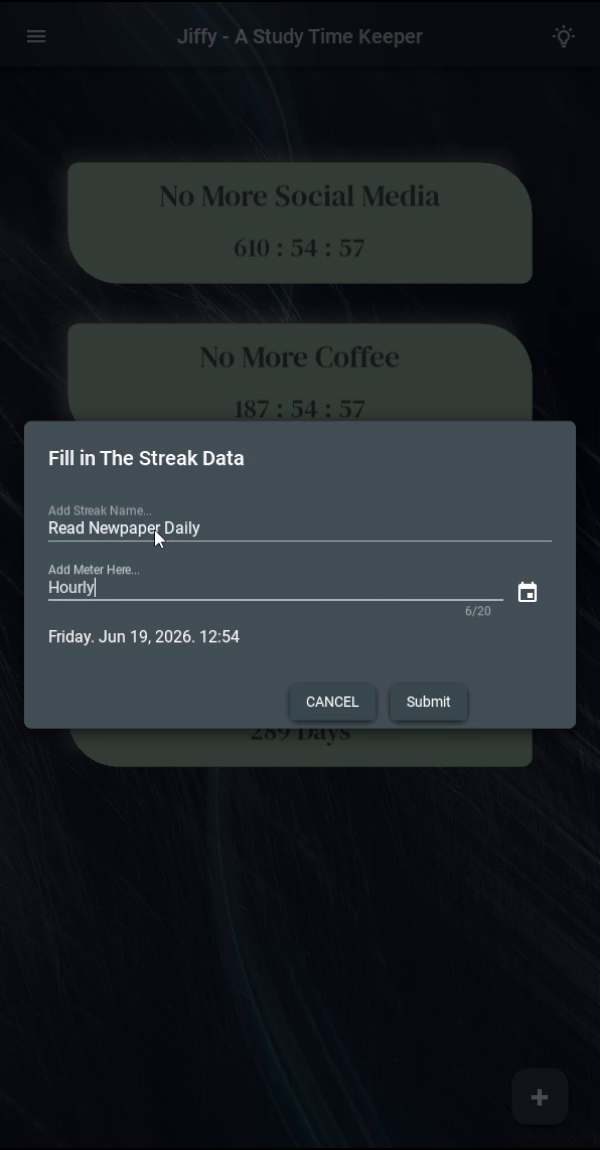
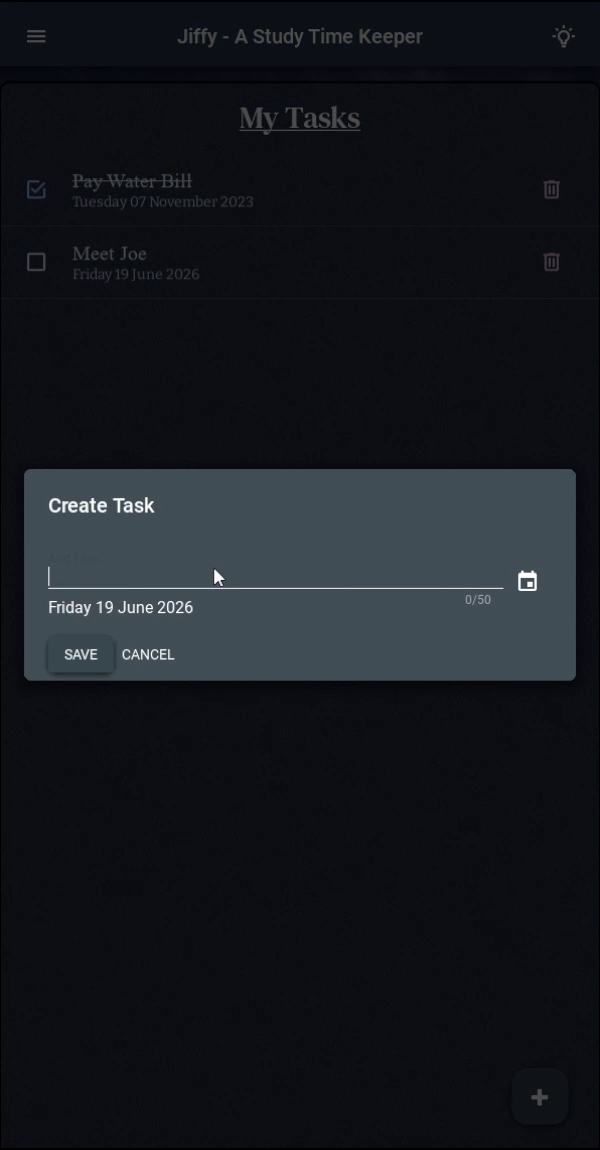
Click any image to expand and browse
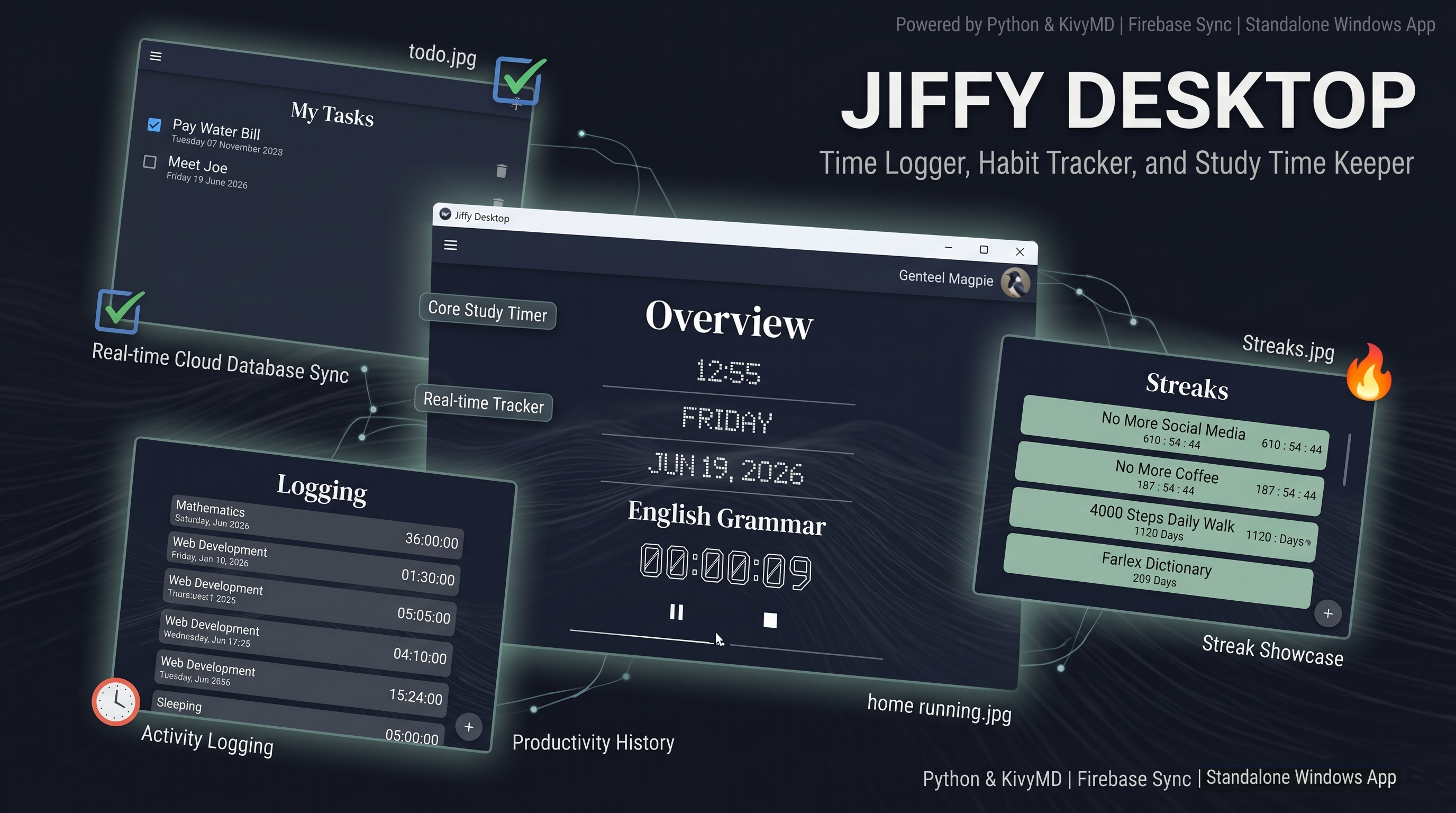
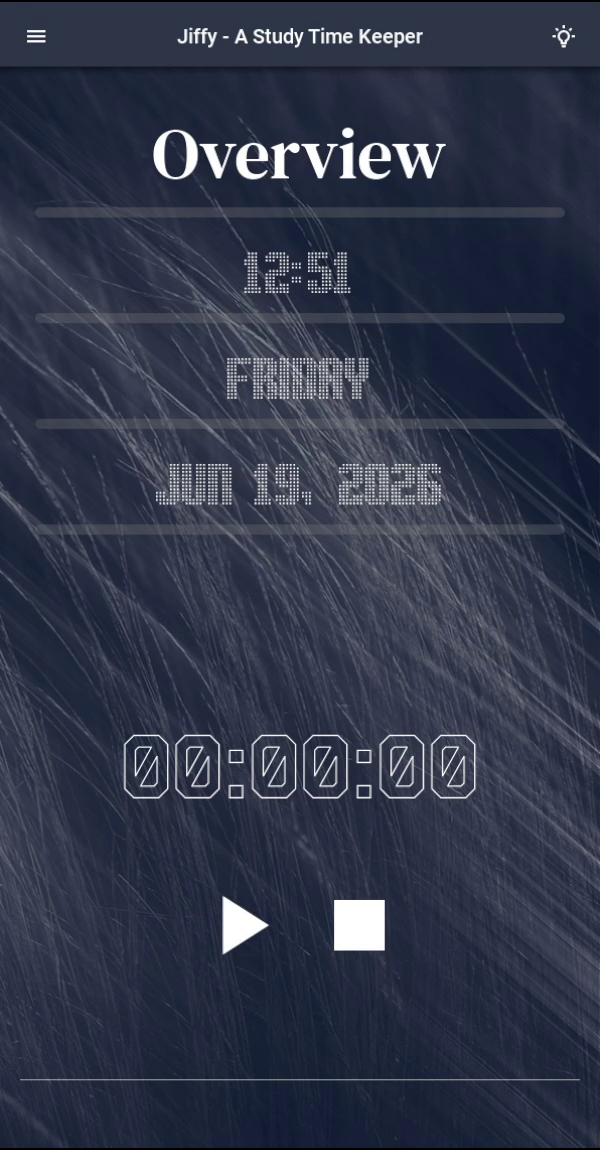
Jiffy Desktop - Time Logger & Streak Tracker Desktop Application
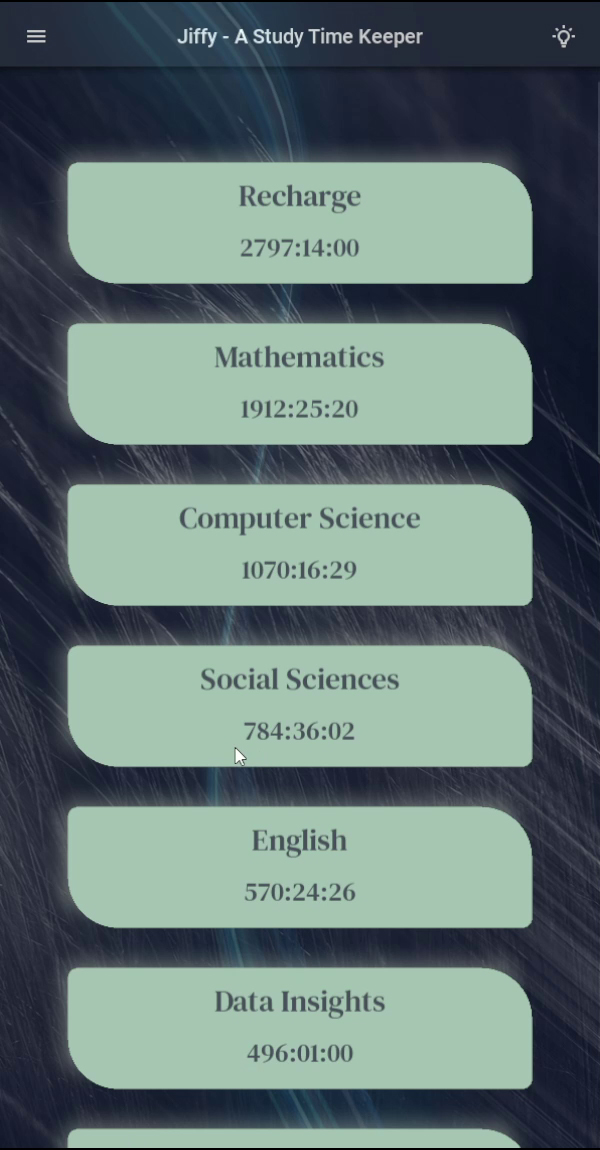
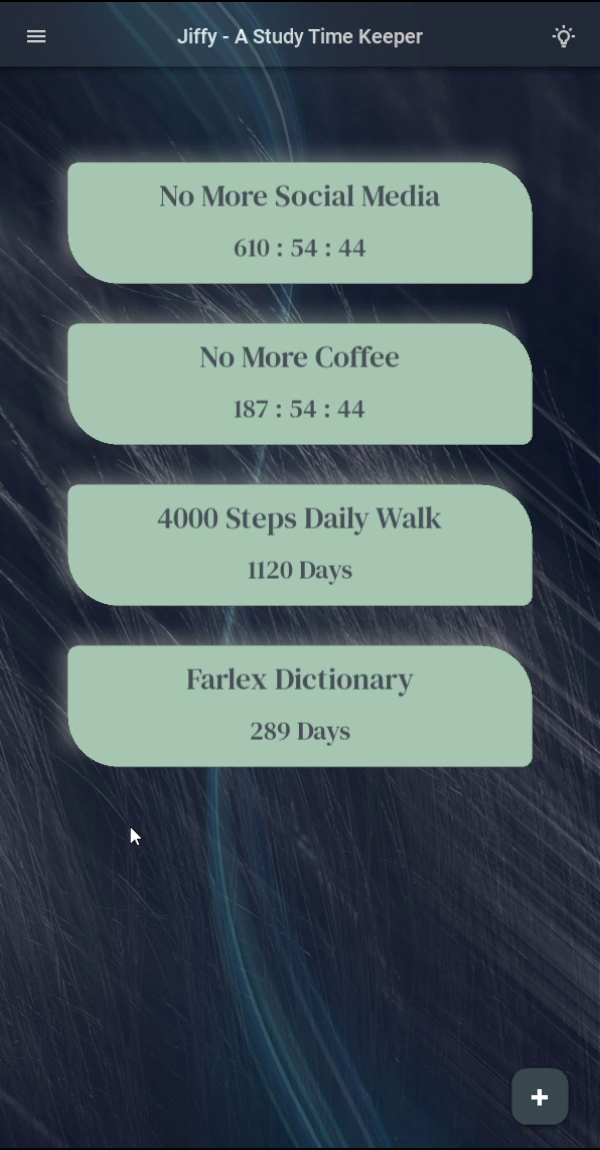
A desktop productivity application designed and developed to help users record productive activities, track habit streaks, and maintain a long-term history of personal productivity data. Built using Python and KivyMD, the application combines modern desktop user interfaces with cloud-based authentication and real-time data storage.
As the second generation of the Jiffy project, this application expanded upon the concepts introduced in the web version while providing a richer user experience through a dedicated desktop environment.
Project Overview
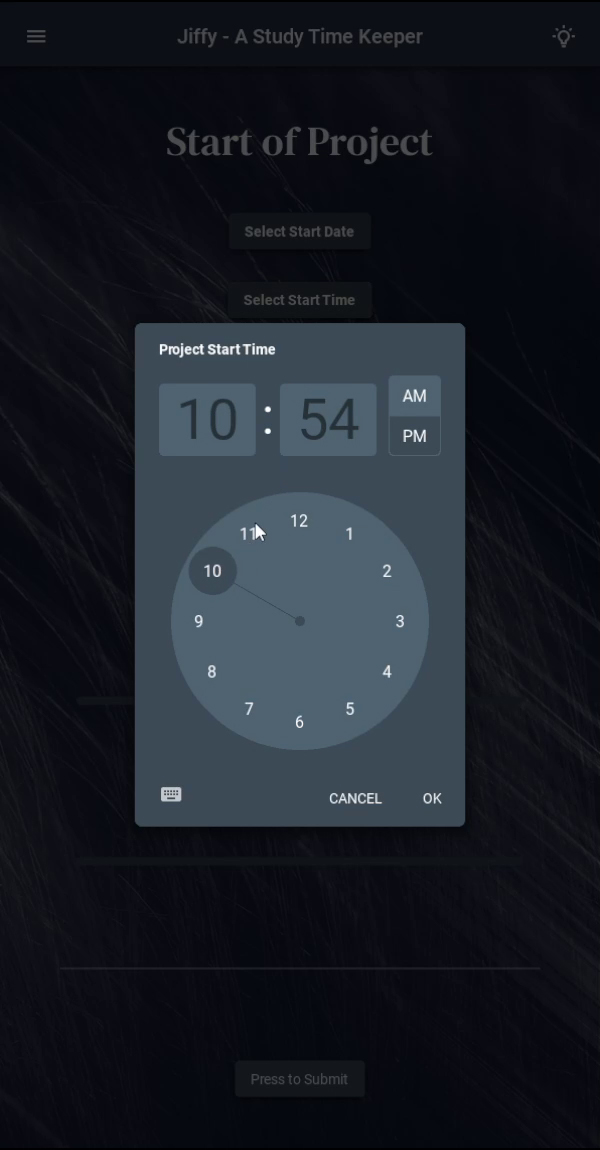
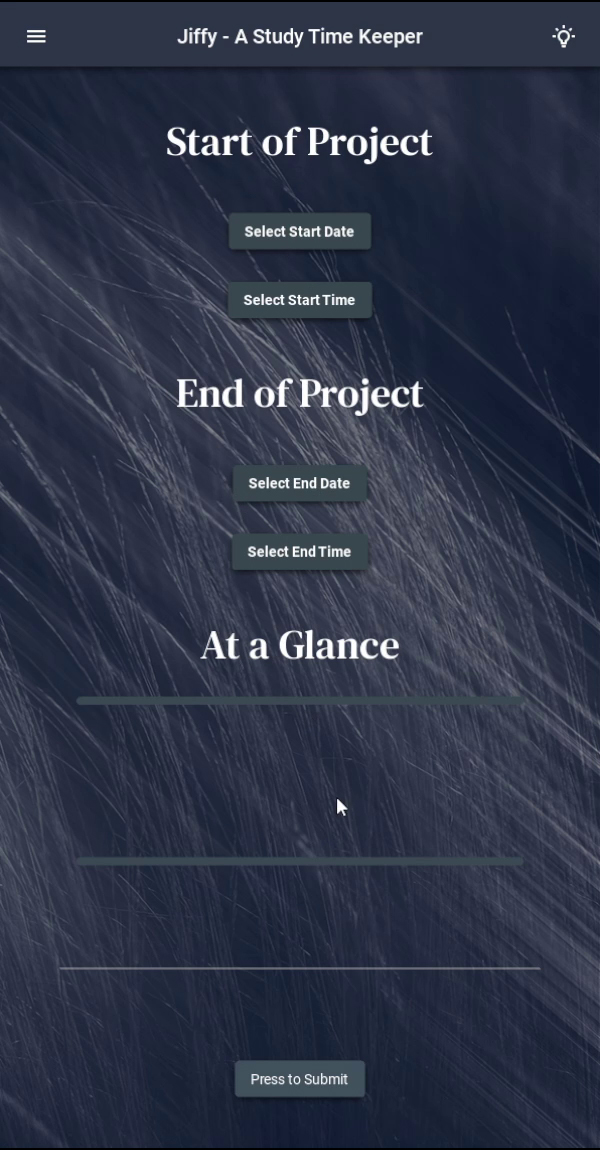
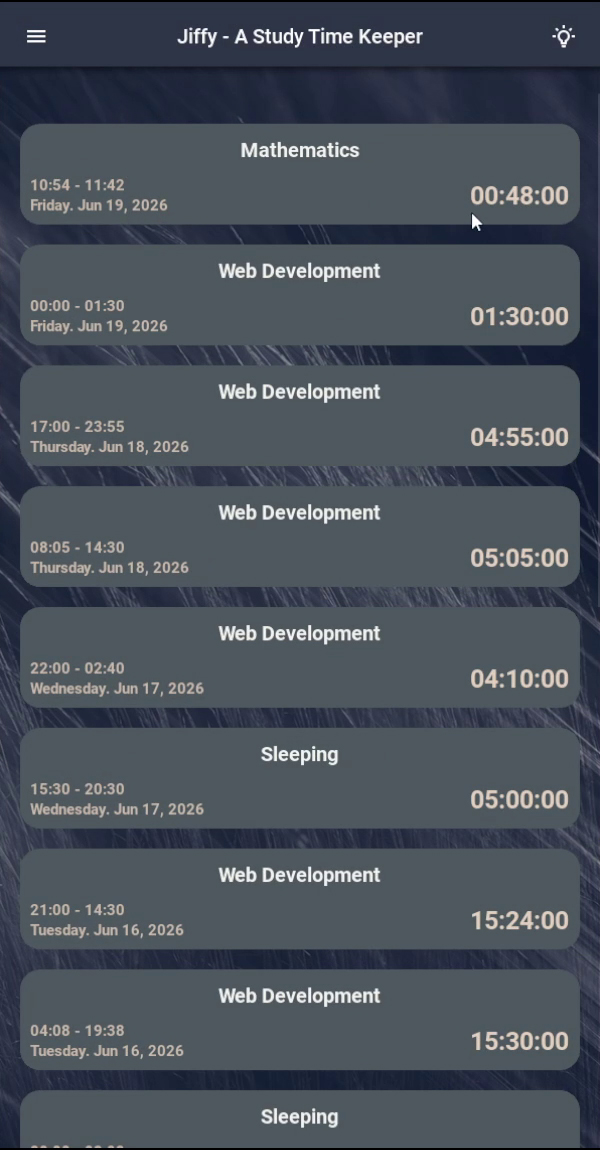
Jiffy Desktop was created to provide users with a centralized platform for recording productive work sessions and maintaining consistency in personal habits. Users can create custom activities, log time spent on those activities, and track streaks associated with long-term goals and routines.
The application's primary purpose is data collection and persistence. Rather than focusing on analytics and reporting, Jiffy Desktop focuses on helping users build an organized and reliable repository of productivity data that can later be analyzed through external tools and dashboards.
To support long-term accessibility and synchronization, the application integrates Firebase Authentication and Firebase Realtime Database, allowing users to securely access and manage their data across sessions.
The application was packaged as a standalone Windows executable, enabling users to run it without requiring a Python development environment.
Key Features
Time Logging System
- Create and manage custom activities.
- Log productive work sessions.
- Maintain a complete history of recorded activities.
- Build long-term productivity records for future analysis.
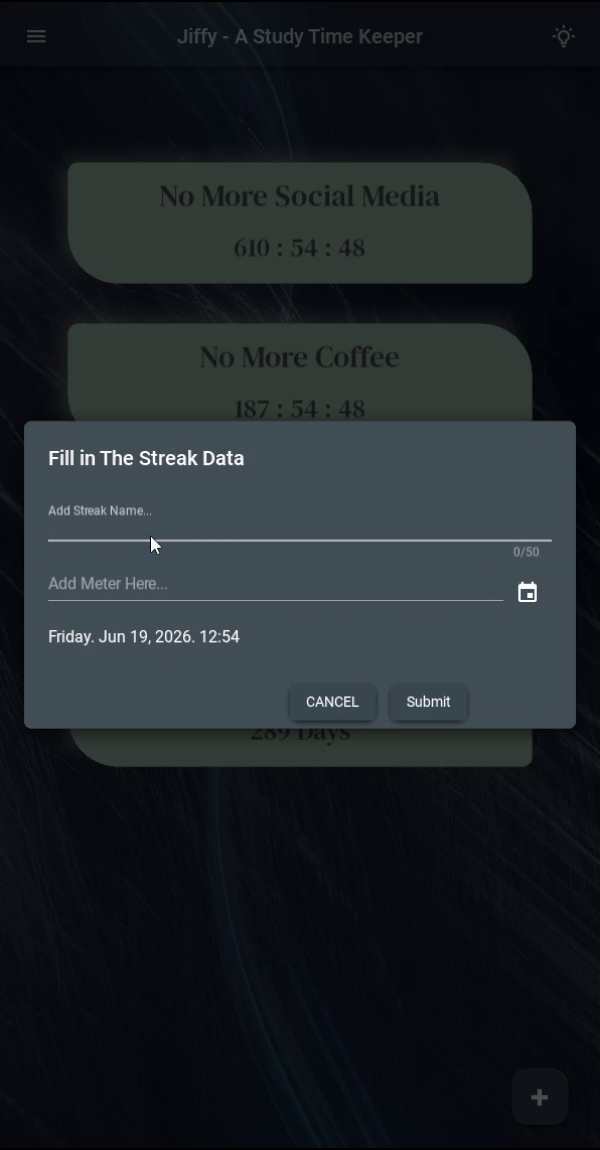
Habit & Streak Tracking
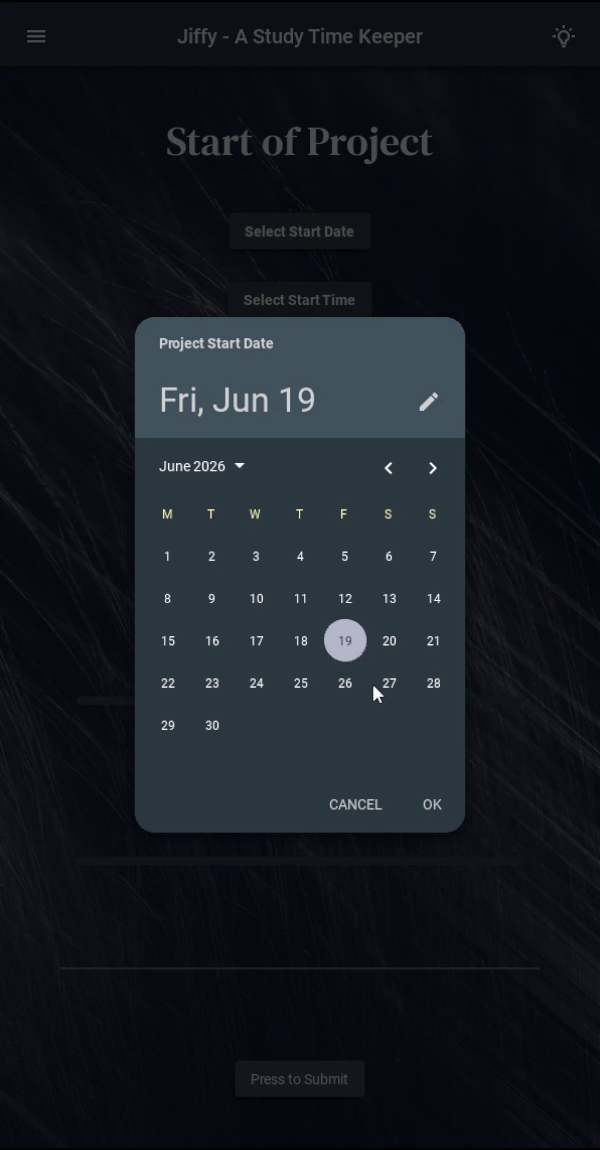
- Create custom streaks for recurring habits.
- Track consistency across days and weeks.
- Maintain historical streak information.
- Encourage long-term habit formation.
User Authentication
- Secure user registration and login.
- Firebase Authentication integration.
- Password recovery functionality.
- Persistent user account management.
Cloud Data Storage
- Firebase Realtime Database integration.
- Real-time synchronization of user data.
- Secure storage of productivity records.
- User-specific data management.
Desktop User Experience
- Modern desktop interface built using KivyMD.
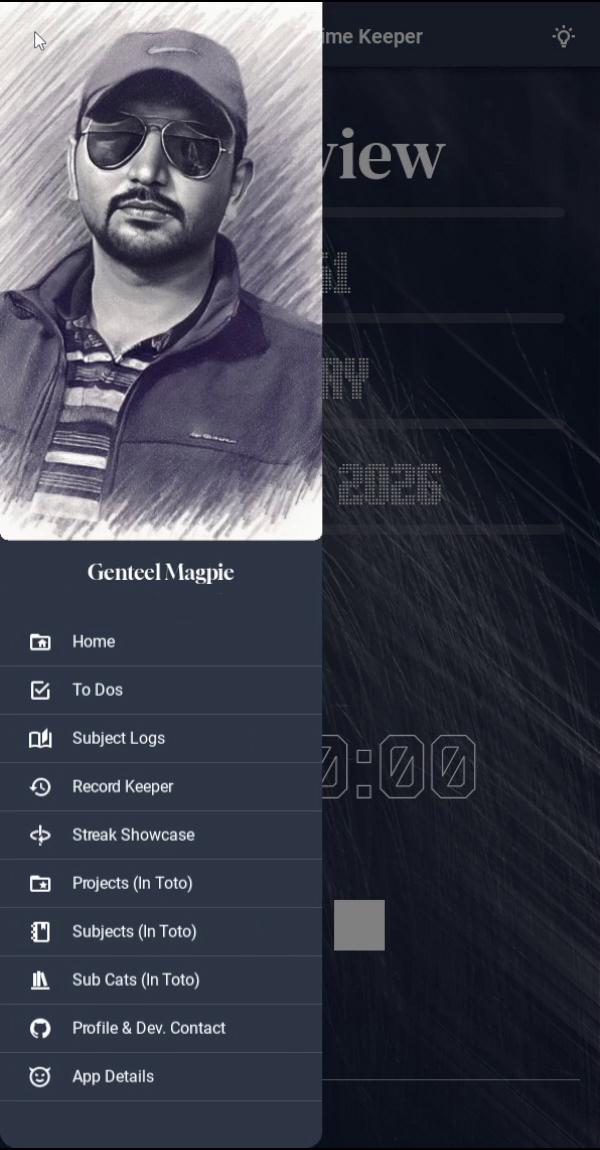
- Fast navigation between application features.
- Optimized workflows for frequent daily usage.
- Cross-platform application architecture.
Standalone Distribution
- Packaged as a Windows executable.
- No Python installation required for end users.
- Simplified deployment and distribution process.
Technologies Used
Desktop Development
- Python
- Kivy
- KivyMD
Backend & Cloud Services
- Firebase Authentication
- Firebase Realtime Database
User Interface
- Material Design Components
- Custom Desktop UI Development
Data Management
- Realtime Cloud Storage
- CRUD Operations
- User Session Management
- Data Synchronization
Deployment
- Windows Executable Packaging
- Application Distribution
- Desktop Application Testing
What I Learned
Developing this project provided hands-on experience with desktop application development, cloud integration, authentication systems, and software deployment.
Desktop Application Development
- Building desktop applications using Python and KivyMD.
- Designing responsive desktop user interfaces.
- Managing application navigation and workflows.
- Creating productivity-focused software experiences.
Firebase Integration
- Implementing secure authentication systems.
- Managing user accounts and sessions.
- Integrating cloud-based services into desktop software.
- Synchronizing user data in real time.
Software Distribution
- Packaging Python applications as standalone executables.
- Managing dependencies and deployment requirements.
- Creating software suitable for end-user installation.
Application Architecture
- Organizing maintainable application structures.
- Separating business logic from interface components.
- Managing communication between local applications and cloud services.
Outcome
This project strengthened my understanding of desktop application development, cloud-connected software architecture, and software deployment. It demonstrates my ability to design, develop, package, and maintain a complete desktop application that integrates user authentication, cloud storage, and structured data management into a cohesive and functional product.
The project also served as an important milestone in the evolution of the Jiffy ecosystem, bridging the gap between the original web-based implementation and the later native Android application.