New Portfolio Website
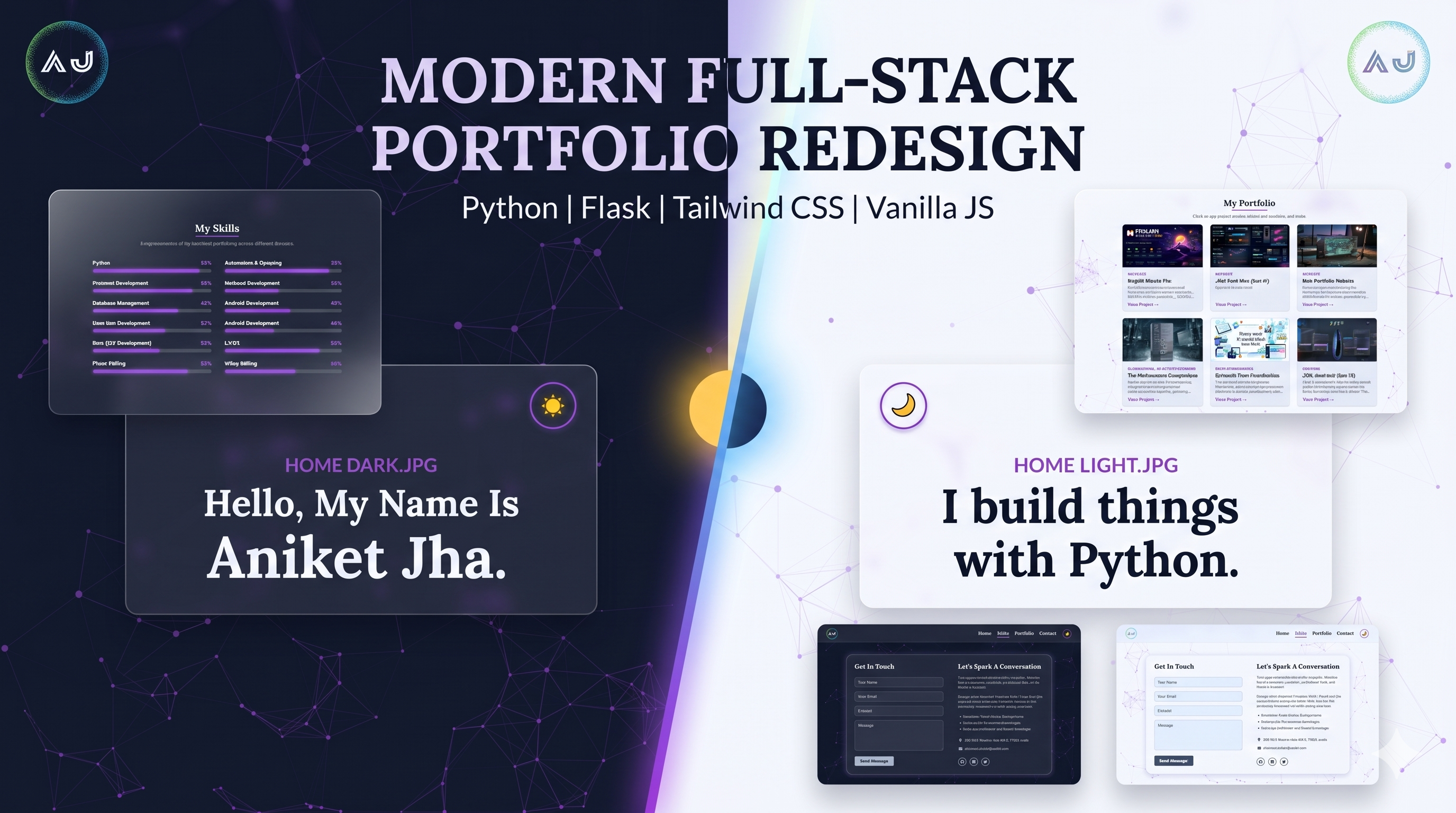
Project Gallery
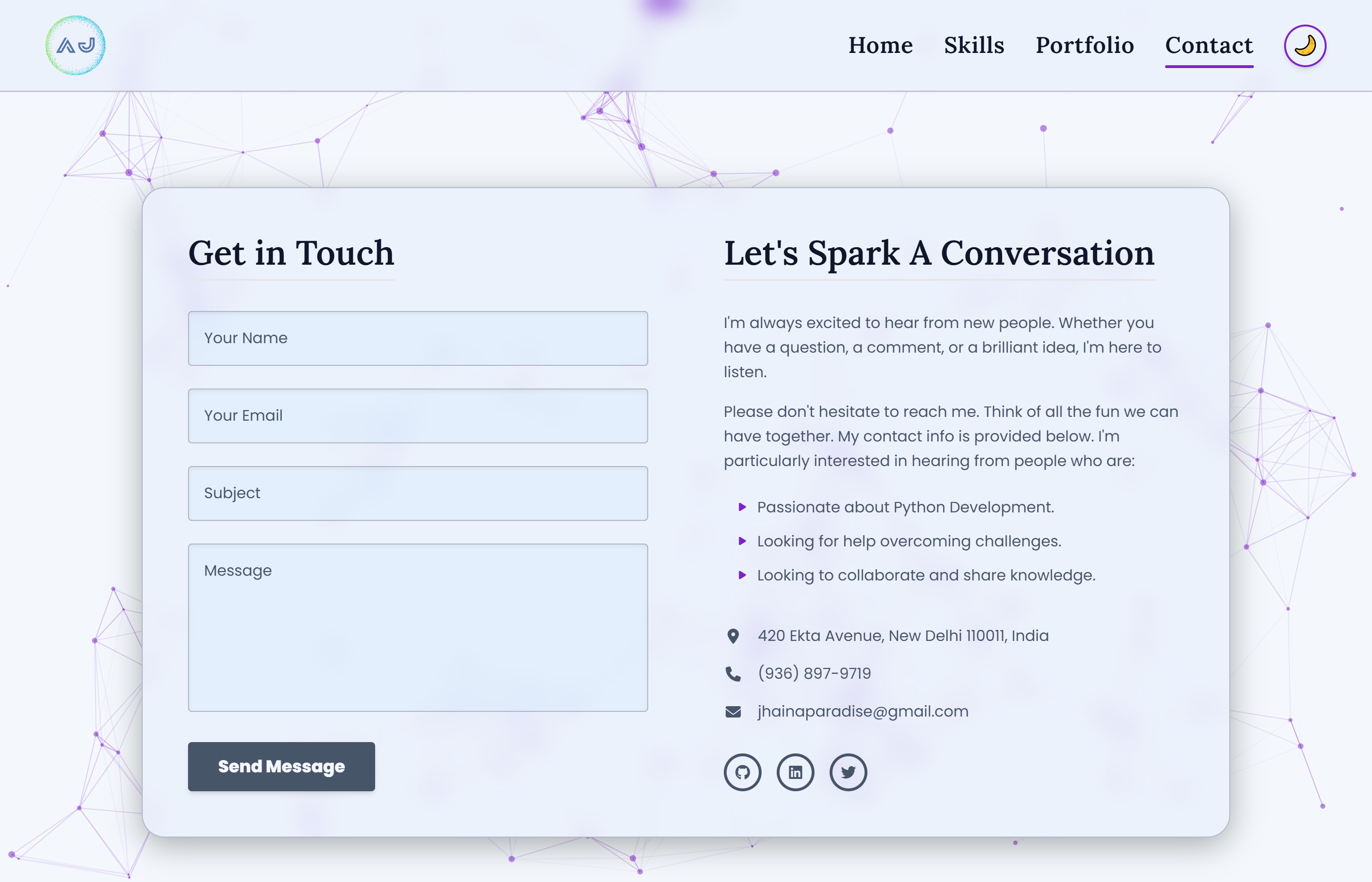
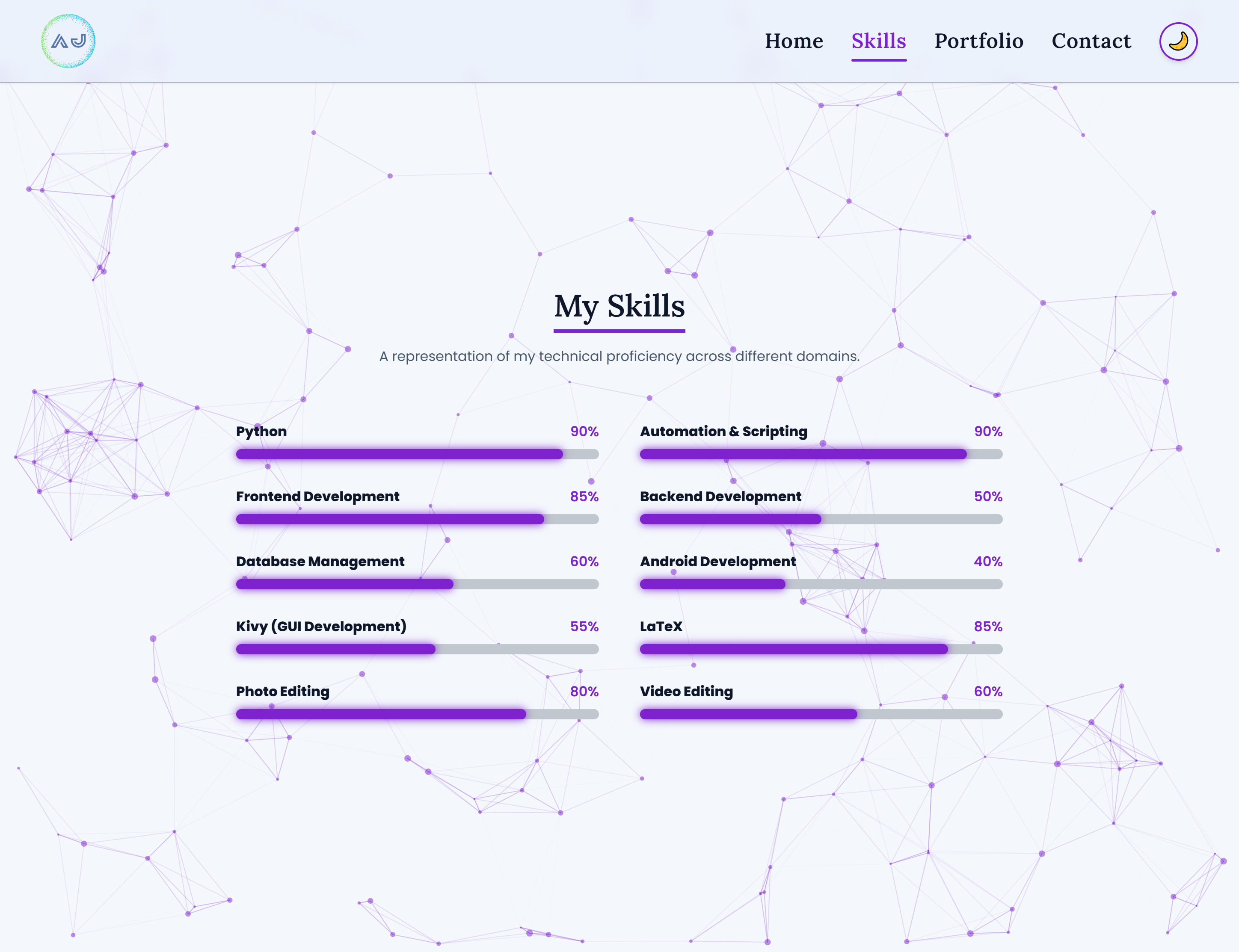
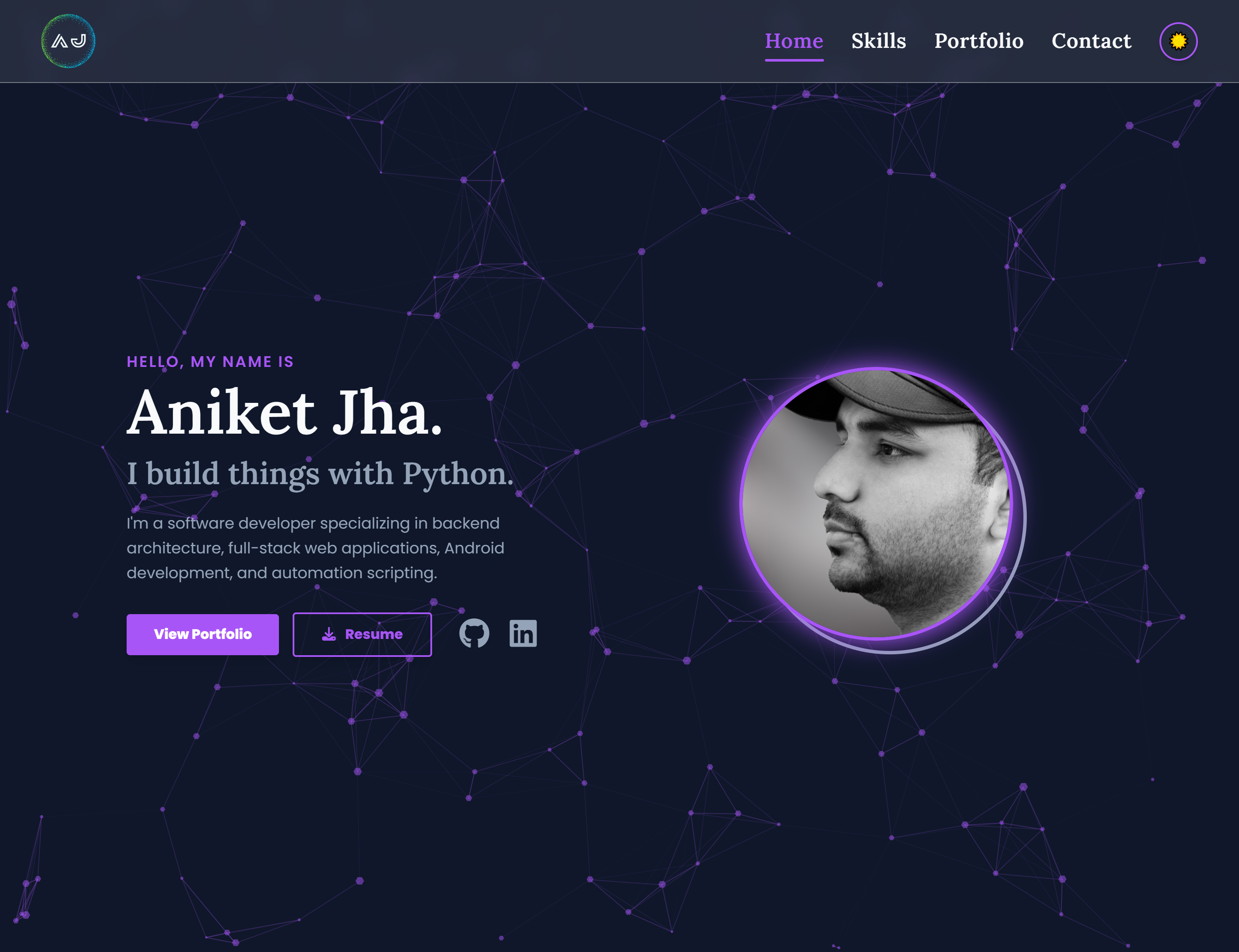
Click any image to expand and browse
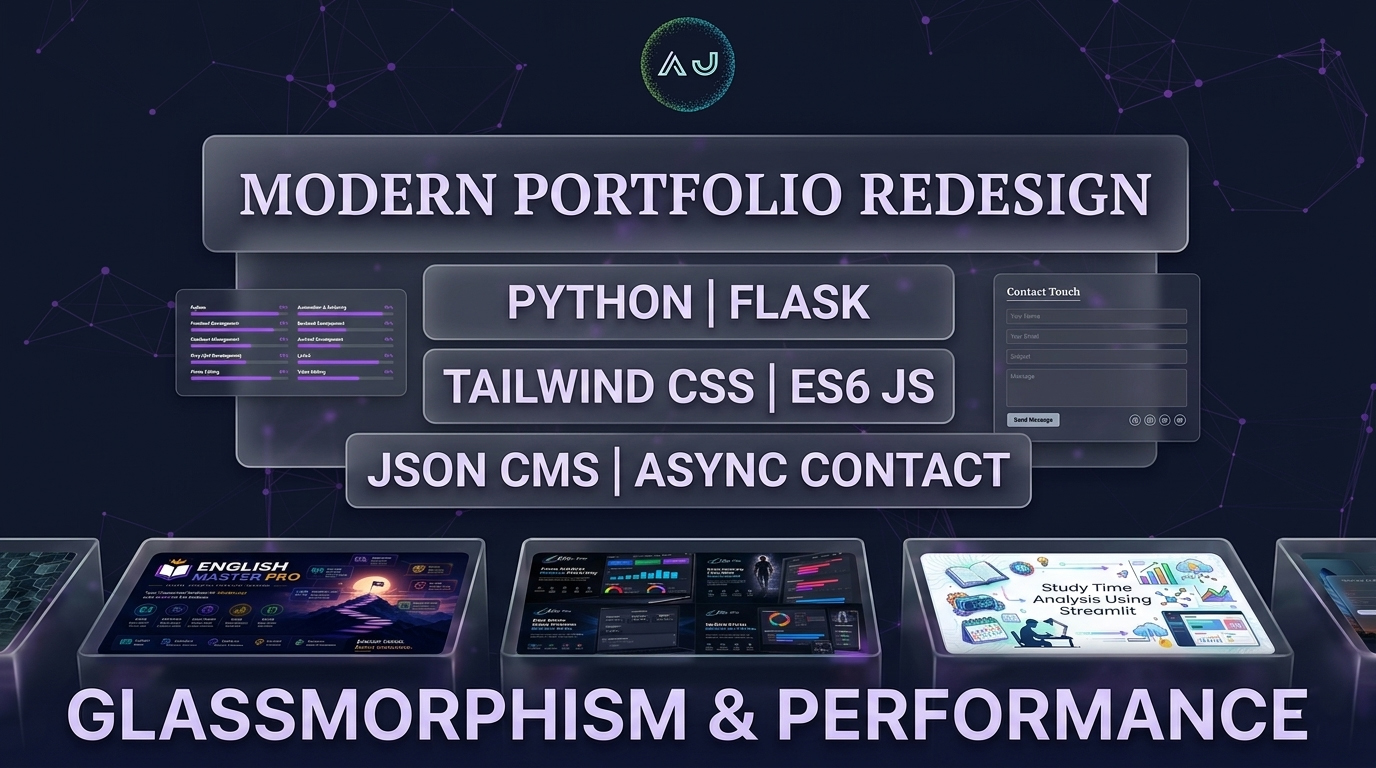
Modern Portfolio Website
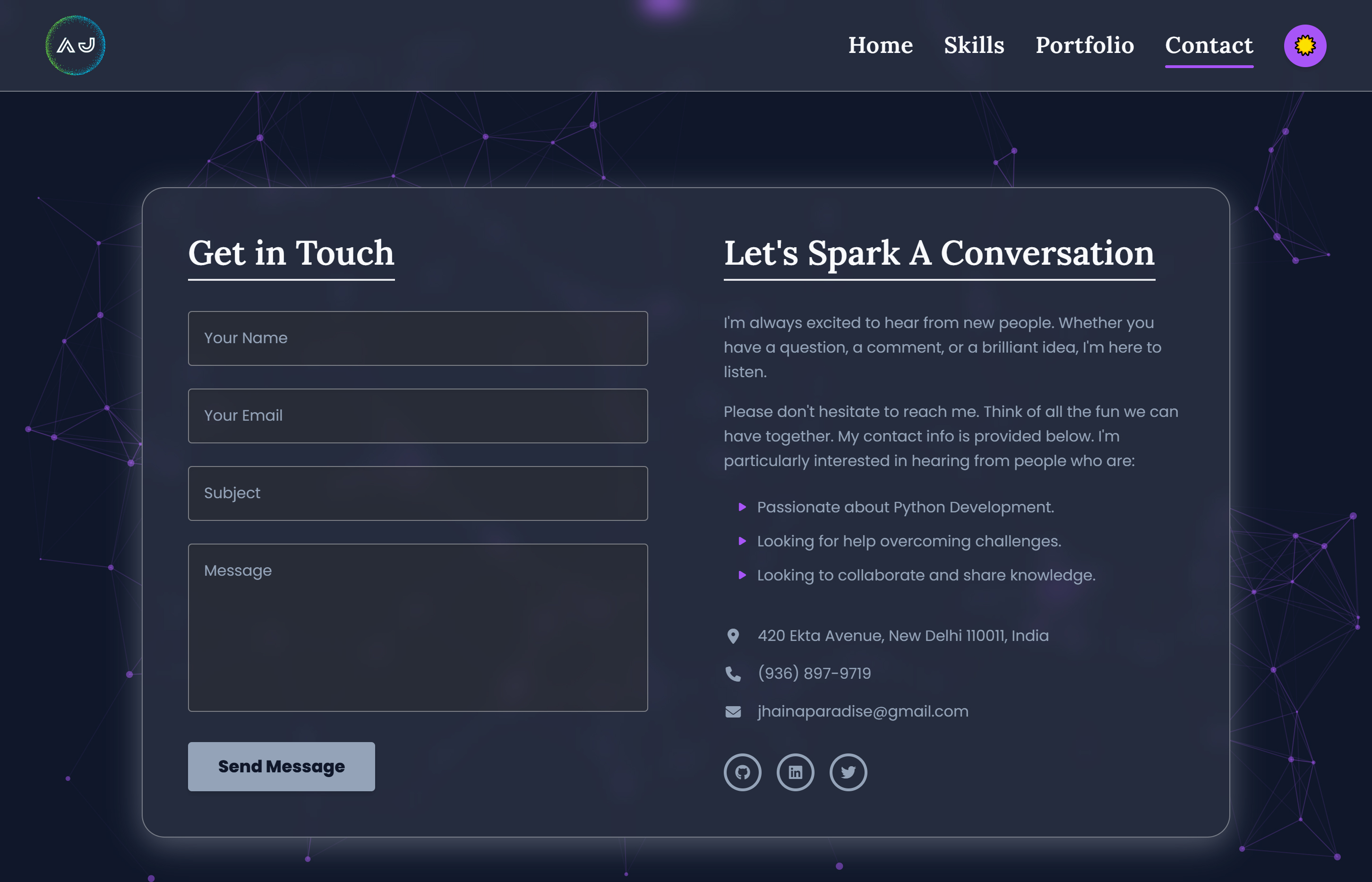
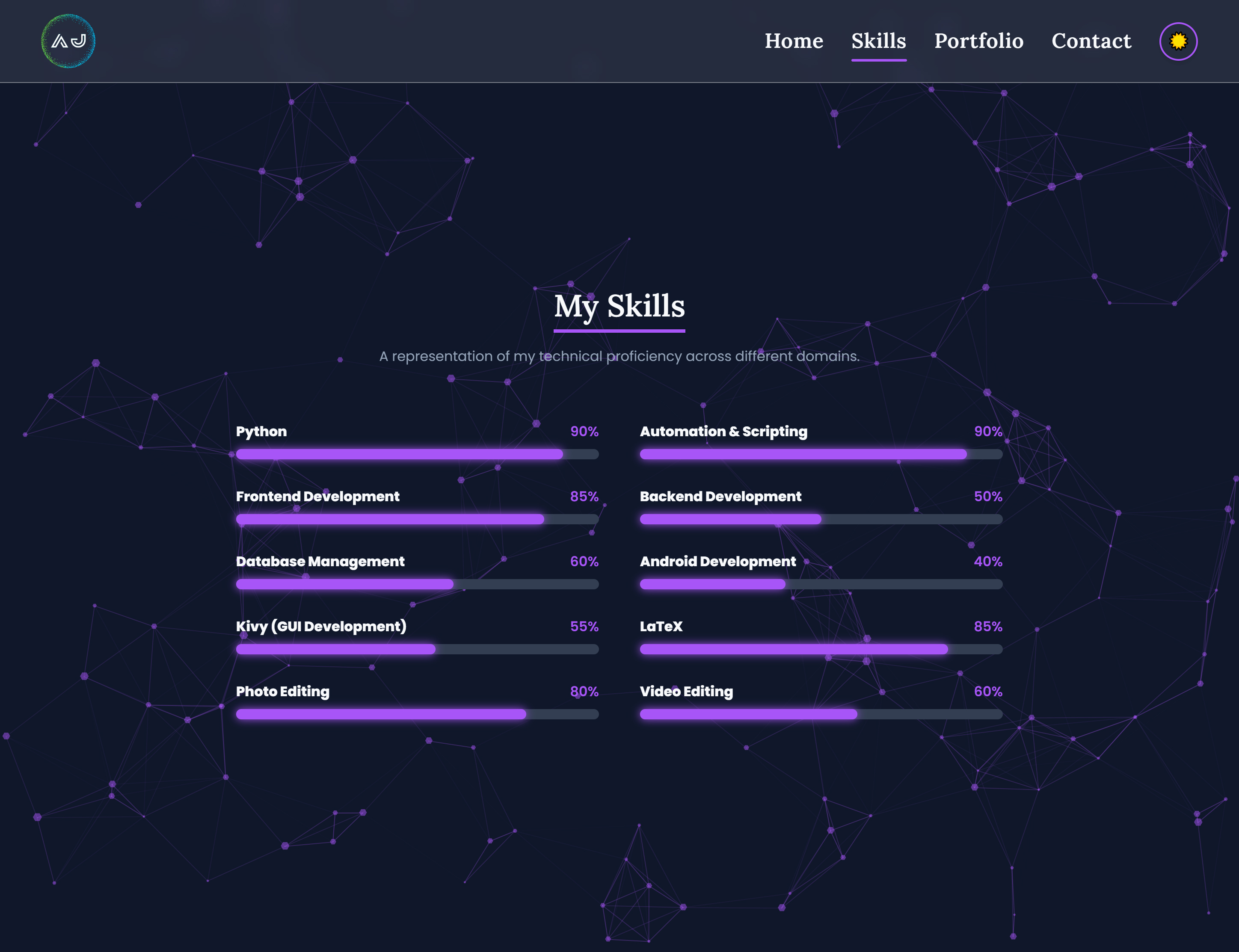
A fully responsive, Flask-based portfolio website designed and developed to serve as the central hub for my projects, technical skills, and professional work. This project was created as a complete, ground-up redesign of my previous portfolio website, with the goal of providing a faster, visually striking, and significantly better-organized platform to showcase my development capabilities.
The website serves both as a personal branding platform and as a highly practical demonstration of my full-stack web development skills. Special emphasis was placed on performance, modern UI/UX design, and dynamic content management. I engineered this platform to ensure that visitors, recruiters, and collaborators can easily explore my work through dedicated project pages, live demonstrations, source code repositories, and detailed technical descriptions.
Project Overview
The primary objective of this project was to completely replace my older portfolio website. While the previous iteration served its purpose as a baseline presence, it had become difficult to maintain and was less aligned with the stringent performance and aesthetic demands of modern web standards. The new website was built with a strict focus on speed, clean architecture, code maintainability, and vastly improved content organization.
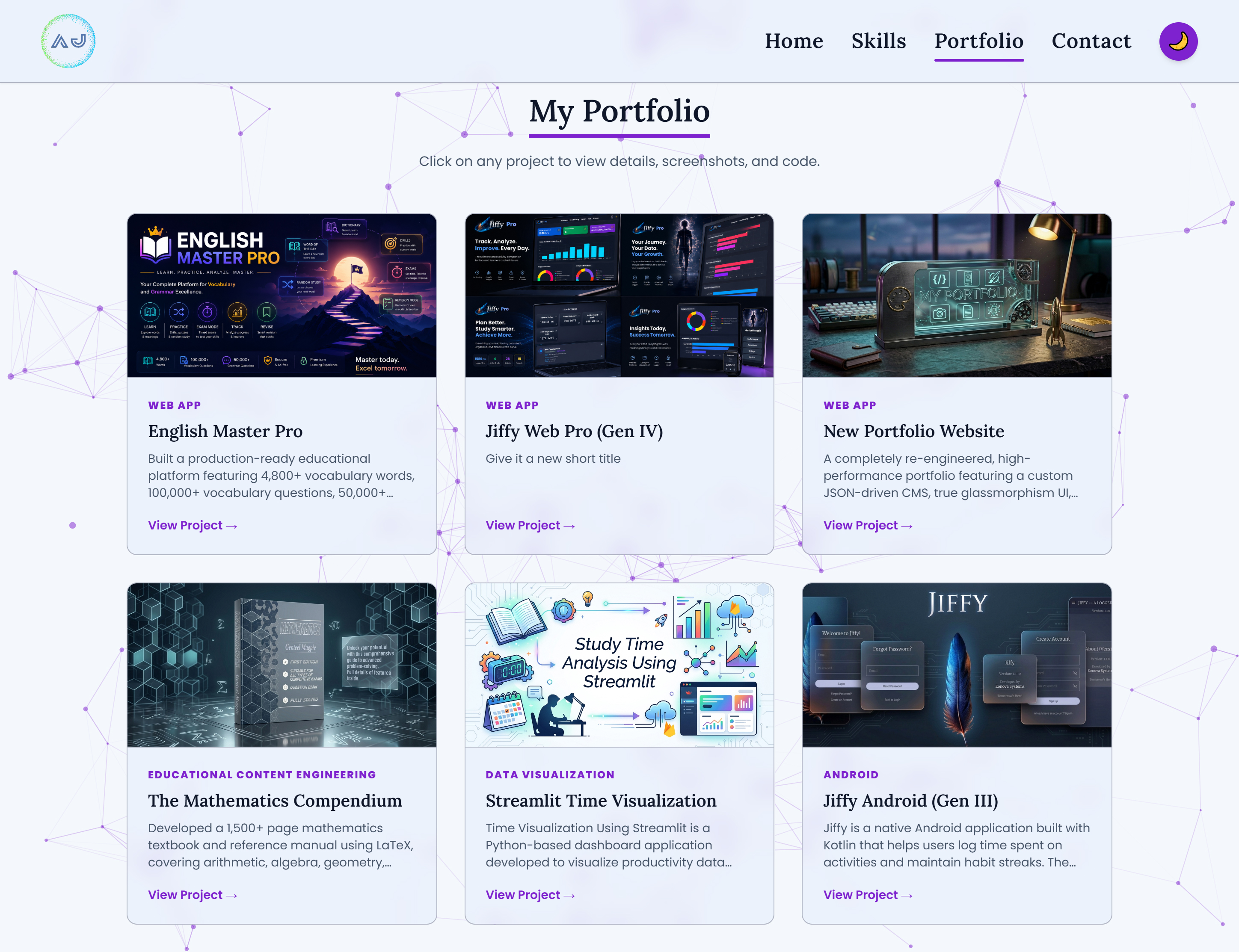
Unlike the previous version, which relied heavily on rigid, hardcoded HTML pages, this new architecture is powered by a custom-built, lightweight Content Management System (CMS). It utilizes a centralized JSON database and custom Python backend scripts to auto-generate the portfolio grid and automatically route visitors to dedicated, deeply detailed project pages.
This structural shift gives every single major project its own dedicated space. It allows visitors to explore my work in much greater depth—viewing direct GitHub links, live deployments, embedded video demonstrations, and seamlessly integrated screenshot galleries. Built using Python, Flask, Tailwind CSS, and Vanilla JavaScript, the website perfectly balances a cutting-edge, interactive frontend experience with a highly structured and maintainable backend architecture.
Key Features
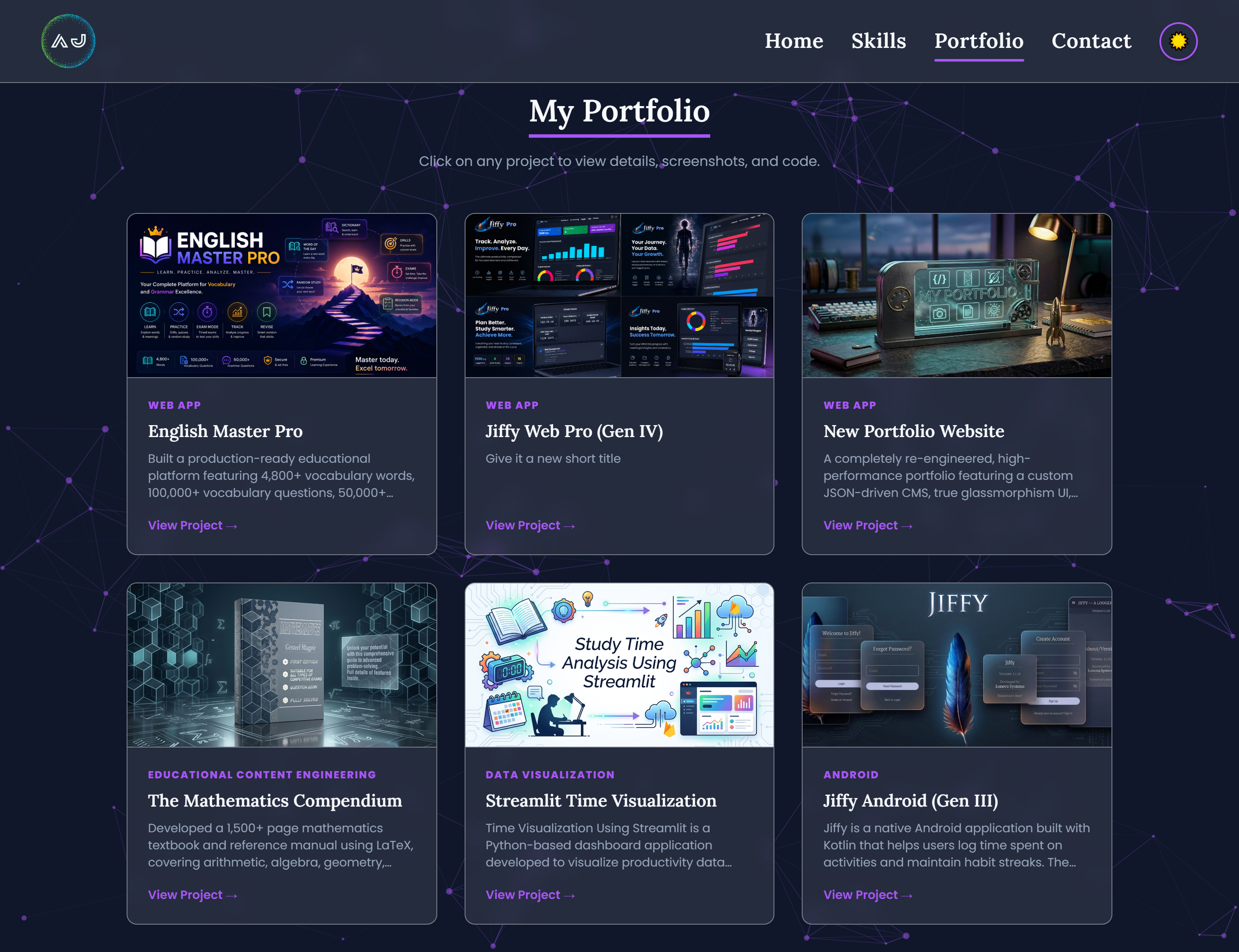
Modern Responsive Interface & Glassmorphism
- True Glassmorphism UI: Implemented advanced CSS backdrop-blur utilities, dynamic
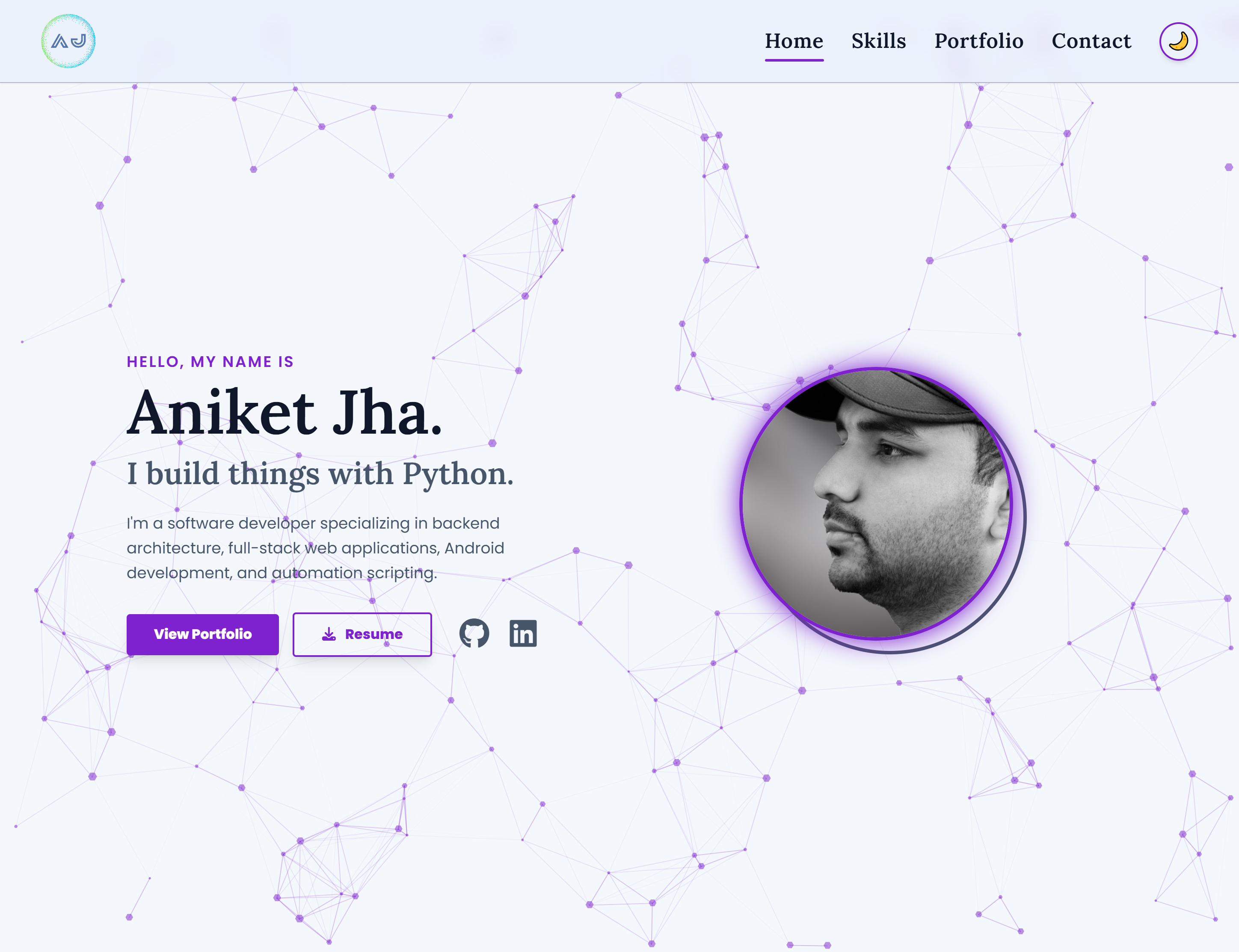
rgbavariables, and custom drop-shadows to create a stunning, frosted-glass aesthetic that depth-layers above a particle background. - Dynamic Theme Toggling: Engineered a seamless Day/Night mode that swaps color palettes, logos, and tracking variables instantly via JavaScript and Local Storage, completely avoiding jarring page reloads.
- Interactive Backgrounds: Integrated a high-performance, physics-based particle background (
tsParticles) that dynamically reacts to user interaction, mouse proximity, and adapts its color profile to the active theme. - Scrollspy Navigation: Developed a custom Intersection Observer script to monitor the user's viewport and mathematically animate a sliding underline in the sticky navigation bar as they scroll through different sections of the homepage.
Dedicated Project Showcase System (Custom CMS)
- Automated Routing & Sorting: Projects are dynamically loaded from a backend JSON database and automatically sorted mathematically by their "Last Modified" or "Start" date, ensuring the most relevant work is always shown first.
- Dynamic Folder Scanning: Authored Python logic that intelligently traverses secure backend directories to auto-detect cover images, gallery assets, and Markdown descriptions, completely eliminating the need for manual HTML data entry when adding new projects.
- Gapless Masonry Gallery: Created a custom, pure-CSS masonry grid to display project screenshots flawlessly. The gapless design creates a seamless wall of images regardless of their aspect ratio (e.g., portrait mobile screenshots vs. landscape web interfaces).
- Cinematic Lightbox: Built a bespoke JavaScript modal allowing users to click gallery images or video buttons to view them in a fullscreen, keyboard-navigable slideshow with automatic YouTube iframe conversion for video demos.
Asynchronous Contact Management System
- AJAX Form Processing: Upgraded the contact form using the modern Javascript Fetch API to submit visitor inquiries asynchronously, maintaining the application state without interrupting the user experience with page reloads.
- Backend Data Handling: Wrote robust Python logic to prevent duplicate form submissions, auto-generate server-side timestamps, and securely log all visitor data to a continuously appended CSV database file.
- Automated SMTP Integration: Configured secure backend email forwarding via Python's
smtplibto instantly format and deliver user inquiries directly to my personal email inbox.
Scalable Website Architecture
- Secure File Serving: Designed custom Flask routing to serve project media and screenshots securely from protected backend directories (
secure_data), rather than exposing raw project files in the publicstaticfolder. - Markdown Parsing: Integrated the
Python-Markdownlibrary to read.mdfiles from the backend and convert them into beautifully styled HTML on the fly, cleanly separating long-form text content from the underlying code structure.
Performance-Focused Design
- Optimized Rendering: Simplified the DOM architecture from the previous portfolio to reduce unnecessary overhead, drastically improving page responsiveness and overall load times.
- Browser Compatibility: Implemented targeted CSS fallbacks and GPU-acceleration tags to overcome browser-specific rendering bugs (such as Chrome's handling of downscaled images), ensuring crisp text and visuals across all platforms.
Technologies Used
Backend
- Python 3
- Flask Framework
- Jinja2 Templating Engine
- Python-Markdown
- OS & Datetime Modules (For secure file traversal and automated date sorting)
Frontend
- HTML5 & Vanilla JavaScript (ES6)
- Tailwind CSS (Utilized for granular, utility-first styling and responsive design)
- AOS.js (For scroll-triggered reveal animations)
- FontAwesome (For scalable vector iconography)
Data Handling & Web Concepts
- JSON Databases & CSV File Storage
- Asynchronous Fetch API (Promises)
- Responsive Design Principles
- Frontend-Backend Integration & API Communication
Deployment & Hosting
- Web application deployment and hosting configuration
- Static asset and secure media management
- Production environment variables (
.env) and security practices
What I Learned
Developing this project provided intense, hands-on experience in solving complex engineering challenges that bridge the gap between frontend aesthetics and backend functionality. It significantly improved my understanding of modern web application architecture.
Backend Development
- Building highly scalable and modular web applications using the Flask framework.
- Structuring a lightweight, file-based Content Management System using Python dictionary sorting and dynamic file detection algorithms.
- Writing custom Flask routing to securely serve media files from protected directories, understanding the difference between public static assets and private application data.
- Managing dynamic content presentation by parsing Markdown files directly into Jinja templates.
Frontend Development
- Designing modern, responsive, and highly interactive user interfaces.
- Transitioning to Tailwind CSS, which granted me absolute control over custom layouts, responsive breakpoints, and complex visual effects like Glassmorphism.
- Mastering the Intersection Observer API to trigger animations efficiently without impacting page scroll performance, and using it to build complex UI features like Scrollspy navigation.
- Improving user experience through better content organization and visually consistent, accessible web pages.
Project Presentation & UX Design
- Structuring information hierarchy to effectively and impressively showcase technical work.
- Prioritizing frictionless user experiences by implementing auto-expiring success messages, keyboard-navigable lightboxes, and smooth anchor scrolling.
- Designing project pages that communicate functionality intuitively, balancing heavy technical text descriptions with highly visual, gapless image galleries.
Data Management & Automation
- Moving away from traditional form reloads and mastering Promises and the Fetch API to handle server responses and update the DOM dynamically in real-time.
- Managing complex application data flow between frontend inputs, Python backend verification, CSV database storage, and automated SMTP email delivery workflows.
Performance Optimization
- Overcoming browser-specific rendering bugs by understanding browser graphics pipelines, CSS background fallbacks, and hardware acceleration (
transform-gpu). - Simplifying application architecture to reduce unnecessary overhead, building a demonstrably faster and more efficient user experience compared to the previous implementation.
Deployment Experience
- Deploying and maintaining a production-ready Flask application in a live hosting environment.
- Managing updates, routing logic, and long-term maintainability considerations for personal web projects.
Outcome
This project successfully modernized my online portfolio, transforming it from a simple static website into a sophisticated, production-ready web application. By replacing rigid, older HTML with a self-populating, JSON-driven backend solution, I created a professional showcase that is vastly more organized and maintainable.
The resulting platform allows visitors to intuitively explore my projects through dedicated pages, live demonstrations, source code repositories, and video walkthroughs. It stands as a definitive demonstration of my ability to design, develop, deploy, and continuously improve a full-stack web application, mastering advanced UI techniques, asynchronous data processing, and effective technical presentation.